WID Scanner for
digital onboarding
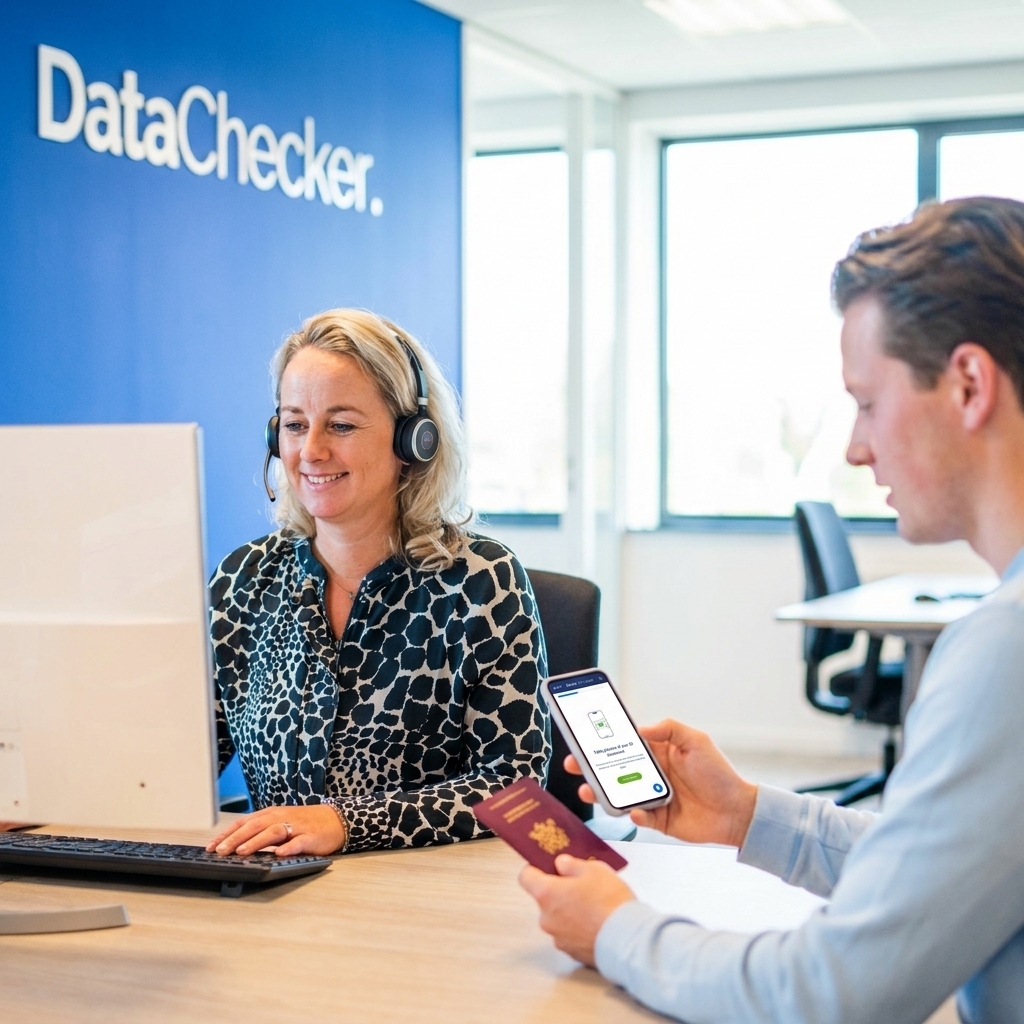
Of DataChecker Scan your identity documents without manual document verification. Candidates use their mobile camera to scan a passport, ID card, or residence permit via the web app.
fast, safe and fully verifiable.
Used by recruitment agencies, staffing agencies, HR departments, and financial institutions.

What is a WID scanner?
A WID scanner is a solution that allows you to scan or verify a legal identity document. Think of a passport, identity card, or residence permit. The abbreviation WID stands for Identification Obligation Act. This is the Dutch law that requires employers and certain organizations to establish and record the identity of individuals.
Organizations use a WID scan to achieve three things: establish a person's identity, prevent identity fraud, and demonstrably record checks in a file.
Traditionally, this was done via manual document verification. With DataChecker This works entirely digitally: the candidate scans the identity document themselves using the mobile camera in the web app. No printer, no manual work, and no loose copies via email.
- Passport, ID card or residence permit
- Mobile camera as a scanner
- Complies with the Obligation to Identify Act (WID)











No scanner needed anymore.
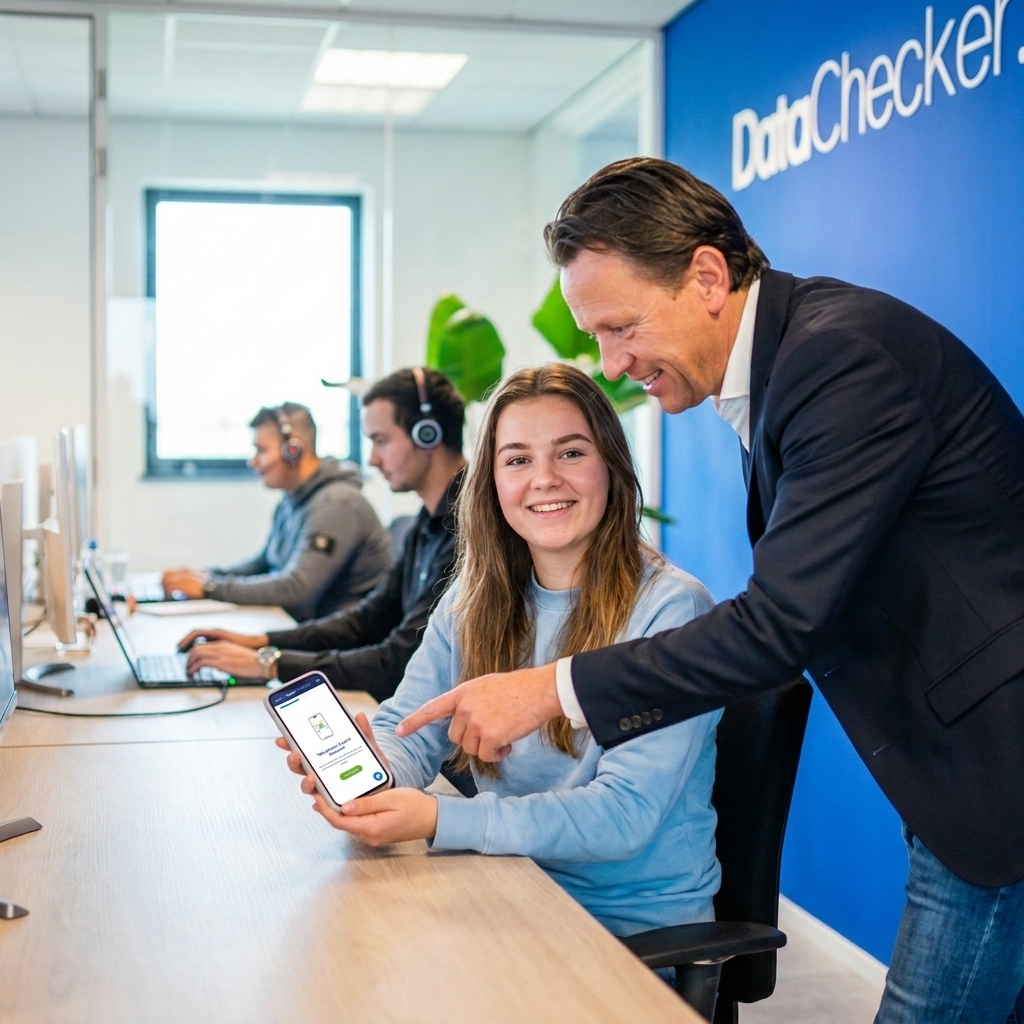
Of DataChecker you use your own mobile phone as a scanner. The candidate easily scans the identity document via the web app. In this way, the WID Make the scan part of your onboarding flow instead of a separate manual step.
Received verification link
Scan document
Record in the file
Why manual WID scans delay onboarding.
The delay is rarely in the scan itself. It lies in everything surrounding it: documents have to be retrieved, sent via email, manually checked, stored in the right place, and followed up with a phone call if something is missing. With ten candidates, that is manageable. With a hundred, it is a structural problem.
Organizations that want to scale up quickly find that their onboarding process becomes the bottleneck. WID Control only becomes a problem when execution fails to grow with the volume.
- Candidates submit unclear or incomplete copies
- HR checks documents manually, one by one.
- Files scattered across mailboxes, folders, and systems
- Files complete late, start delayed

For whom is the WID scanner?
Identity documents require careful processing.
A WID The scan contains sensitive personal data. This calls for a process that is not only fast, but also securely, controlled, and carefully designed. DataChecker helps organizations perform digital identity verification within a secure environment that meets the highest standards of information security.
DataChecker is ISO 27001 certified and processes all data within the EU. The organization adopts privacy by design as a guiding principle and has appointed a Data Protection Officer. Every verification is recorded in an audit trail, which is available upon request. As the client, you determine the purpose, legal basis, and retention period of the processing yourself.
- ISO 27001 certified organization
- EU data processing, no data outside Europe
- Privacy by design as the standard practice
- DPO appointed and AVG-configured
- Audit trail of every verification available
- Fewer separate copies and less risk of data leaks

- Privacy by design
- EU data processing
- Audit trail on request
- DPO appointed
A WID scan, multiple applications.
A WID A scan is rarely a standalone action. Link it to the right verification solution and make it a demonstrable part of your onboarding process.
Right to Work
Customer Acceptance
WID Legislation
Frequently Asked Questions.
What is a WID scanner?
A WID A scanner is a solution used to scan or verify a legal identity document, such as a passport, ID card, or residence permit. The name is derived from the Identification Obligation Act (WIDOrganizations use a WID scanner to establish someone's identity, prevent fraud, and demonstrably record checks.
What is the difference between a WID Scanner and ID Verification?
A WID Scanner refers to scanning an identity document. ID Verification goes further: it checks the authenticity of the document, performs a liveness check, and records the result in a digital file. DataChecker combines the WID scan with the entire verification process in a single flow.
Can I scan a passport or ID card with my phone?
Yes. Via the DataChecker- The web app scans the identity document with the candidate's phone camera. This works for passports, ID cards, and residence permits. DataChecker also supports NFC reading of the chip in passports for an additional layer of verification.
Does a WID scan fit within my onboarding process?
Yes. DataChecker makes of the WID Scan a part of the complete onboarding flow. The candidate receives a link, scans the document, and the result is captured immediately. The organization sees in the dashboard who is ready and where follow-up is still needed.
What does a WID Does the scanner relate to the Obligation to Identify Act?
The Identification Obligation Act (WID) obliges employers and certain organizations to establish and record the identity of persons. A WID The scanner — physical or digital — is the practical instrument by which that obligation is fulfilled. DataChecker moreover ensures that the inspection is demonstrably recorded in a file.
Ready to digitize your work process to organize? accelerate? centralize? scales?
DataChecker Helps organizations digitally scan identity documents, record verifications, and set up scalable onboarding processes. No loose copies and less manual follow-up.